Sphinx AI : tutorials
Artificial intelligence in Sphinx solutions: increase your productivity!
Sphinx AI is the perfect combination of statistical power and rigour with the creativity of Artificial Intelligence to make all your data speak! Ready to transform the way you work?
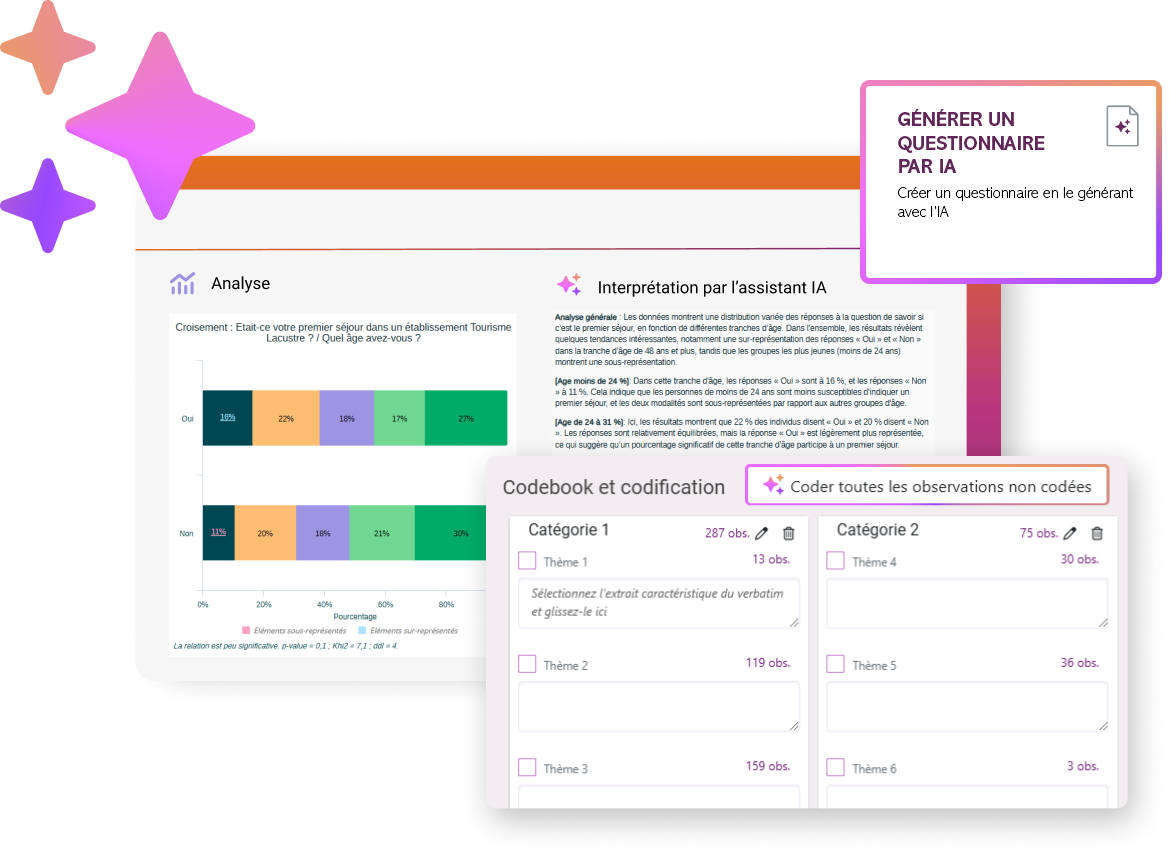
This page is designed to centralise tutorials related to the use of artificial intelligence in our solutions. Find resources designed to help you use the various AI features, whatever your level. You will find structured, easy-to-follow content to help you understand the main features, progress step by step, and learn at your own pace. Browse the tutorials according to your needs and quickly access essential information to get the most out of Sphinx AI.
Access Sphinx AI tutorials directly
Create a study
Only in Sphinx iQ 3
Interpreting an analysis
Modify a text with AI
Creation of variables by AI from a custom prompt
Textual data analysis
Anonymise a variable
Only in Sphinx iQ 3
Interpreting a cloud words
Create a codebook
Coding verbatim with AI
Tutorial FAQ
Our safety commitments
✅️Consent, a guarantee of safety
In accordance with the GDPR, in order to use AI in our solutions, your legal representative must give their consent.
Why this approach? We wanted to ensure a high level of security for our customers when using AI.
🐓Opt for a French LLM
Although we have chosen ChatGPT as the default option for making AI available to as many people as possible, we also offer the French LLM Mistral.
Using Mistral guarantees you:
- Hosting that ensures your data remains in Europe (Sweden)
- Zero data retention; no data is stored for moderation purposes
Our R&D teams have conducted numerous tests to ensure you receive the same high-quality results regardless of the AI engine you choose!
🛡️Data partitioning
Regarding the consistency between the study data and the data sent to the AI: only the data for the selected variable(s) is sent.
AI does not have access to your account databases.
Furthermore, the information that passes through our AI assistant is not used to train the artificial intelligence model underlying the AI Assistants.
Would you like to learn more about Sphinx AI? Don’t go it alone!
Our teams are here to assist you.

French company located in Annecy

40 years of experience

Compliant with GDPR requirements

Secure servers hosted in France